Widgets
The common properties of all widgets and the structure of .widget.json are described in Widget basics.
Widget Types
The widgets are divided into groups by their purpose:
- Charts — widgets that show records as a chart, a graph of relations or blocks of aggregated values.
- File Widgets — widgets for viewing and managing the files of records.
- Layout & UI Elements — widgets that structure the screen: headers and blocks of text.
- Lists & Tables — widgets that show many records: a table, a tree, a grouped table or a calendar.
- Process & Workflow — widgets that show the stages of a business process.
- Selection Popups — popups for choosing one or several records of other entities.
- Single Record — widgets for viewing, creating and editing one record.
Charts
Widgets that turn records into a visual summary: a chart, a graph of relations or blocks of aggregated values.
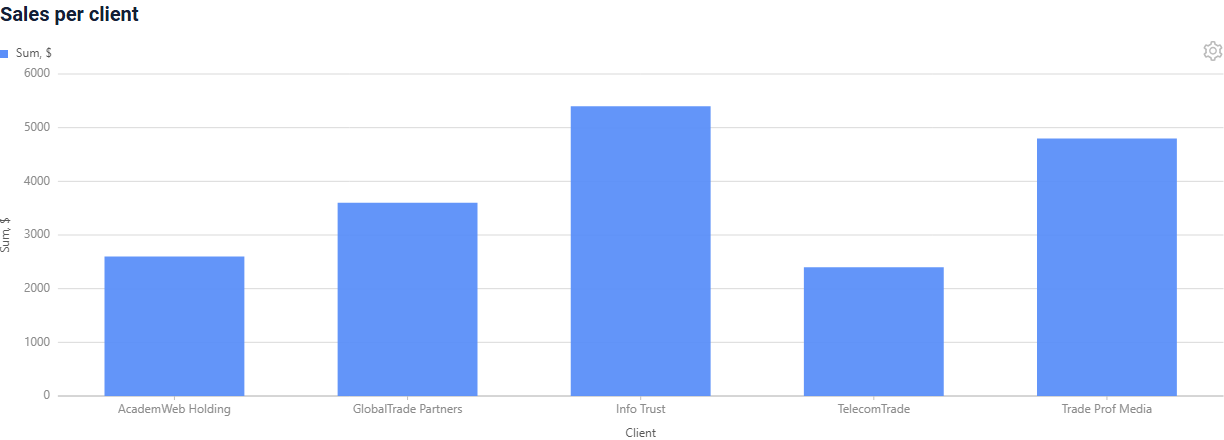

- Column2D widget draws a column chart: a bar per category on the X axis, a number on the Y axis. The user can switch it to a table.
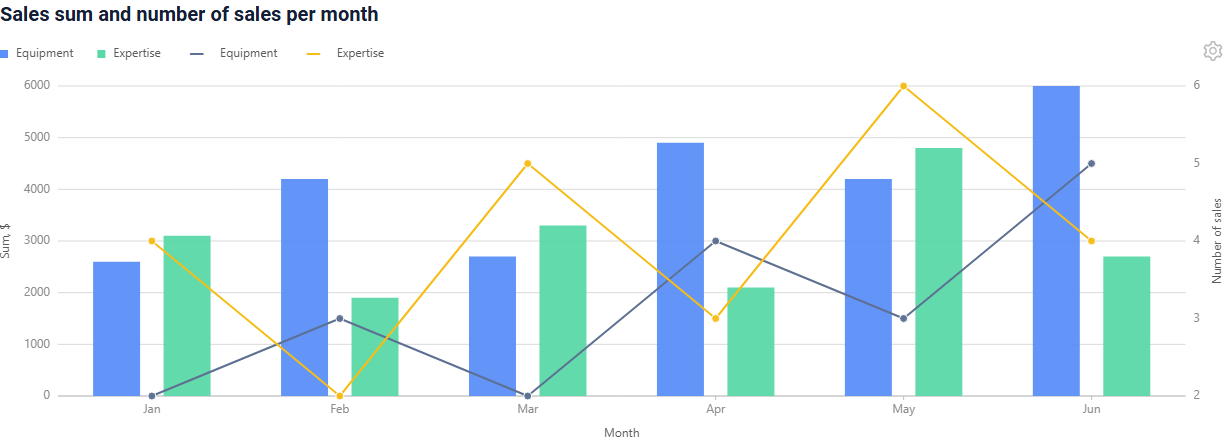
- DualAxes2D widget combines a Column2D chart and a Line2D chart in one area with a common X axis and two Y axes.
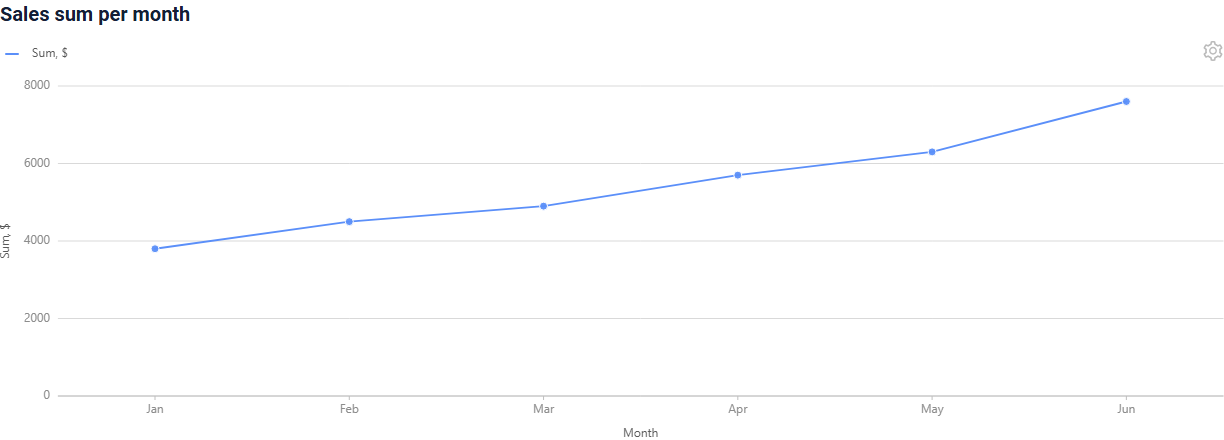
- Line2D widget draws a line chart from the records of a business component: one point per record, one line per group.
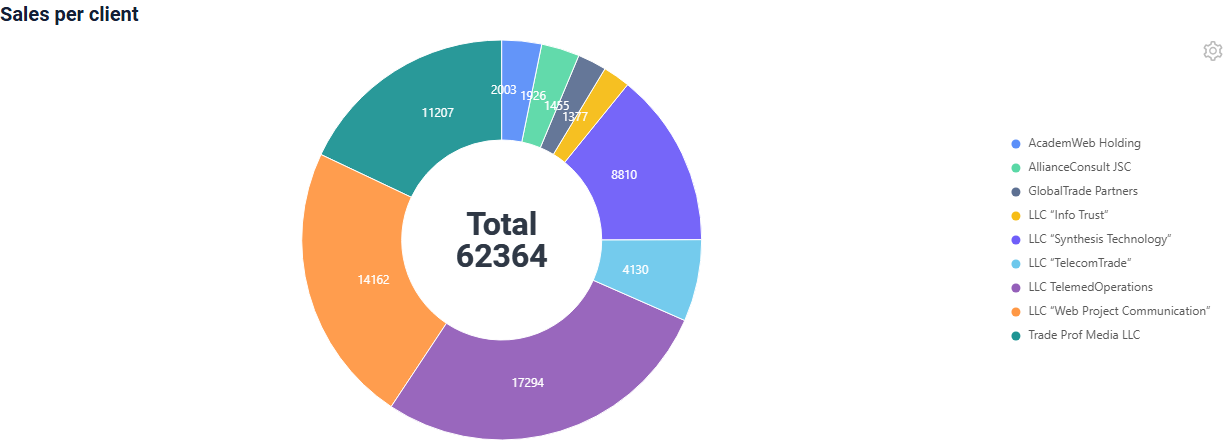
- Pie1D widget shows how a whole is split into parts: every record is a segment of a ring, its size is the value of the record. The user can switch it to a table.
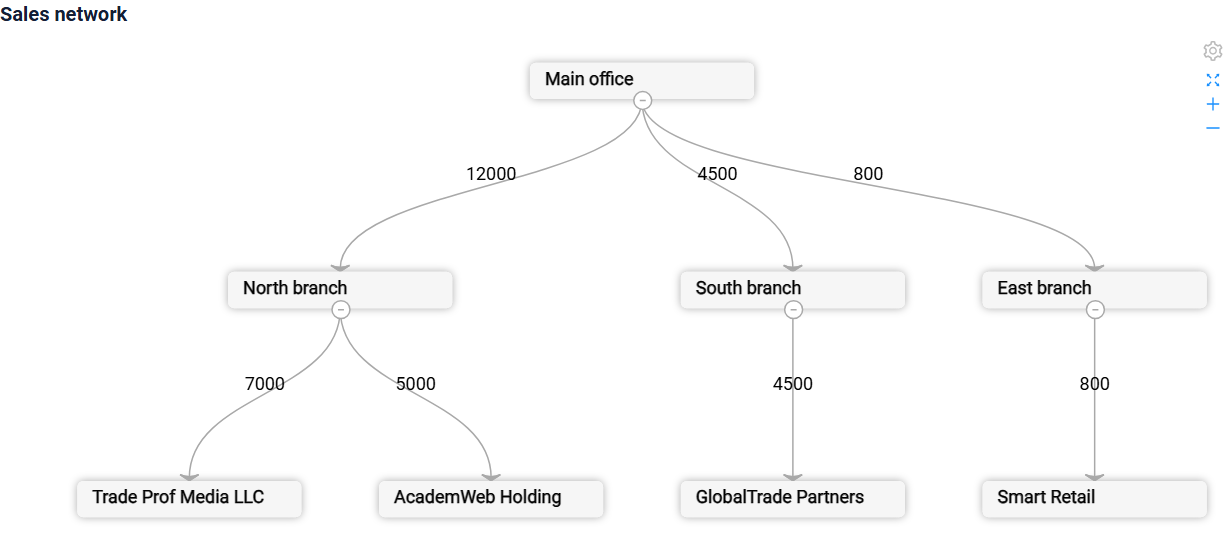
- RelationGraph widget draws records as a graph of relations: nodes connected by edges "source node -> target node".
- StatsBlock widget is a tool designed to display aggregated data in a visually accessible format.
File Widgets
Widgets for the files of records: viewing a file and showing records as file cards.
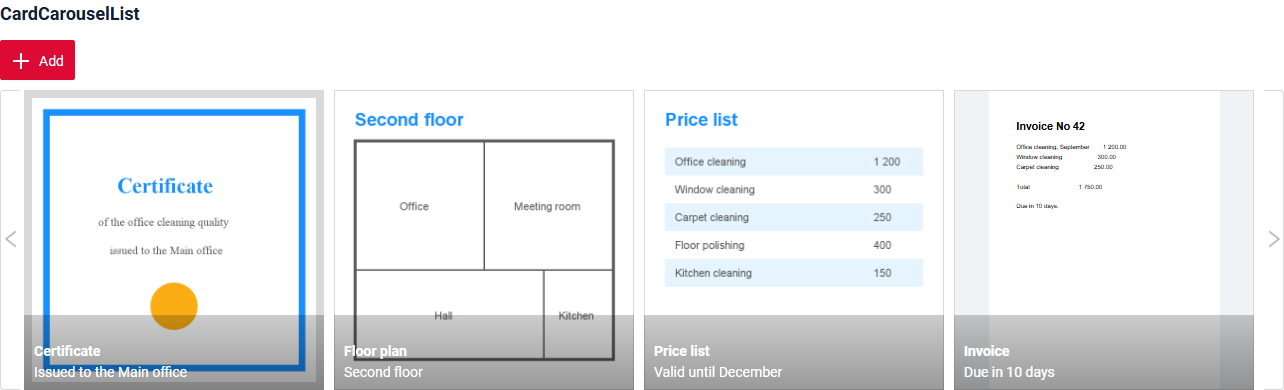
- CardCarouselList widget shows records as file cards in a horizontal strip with a preview, a title and a description.
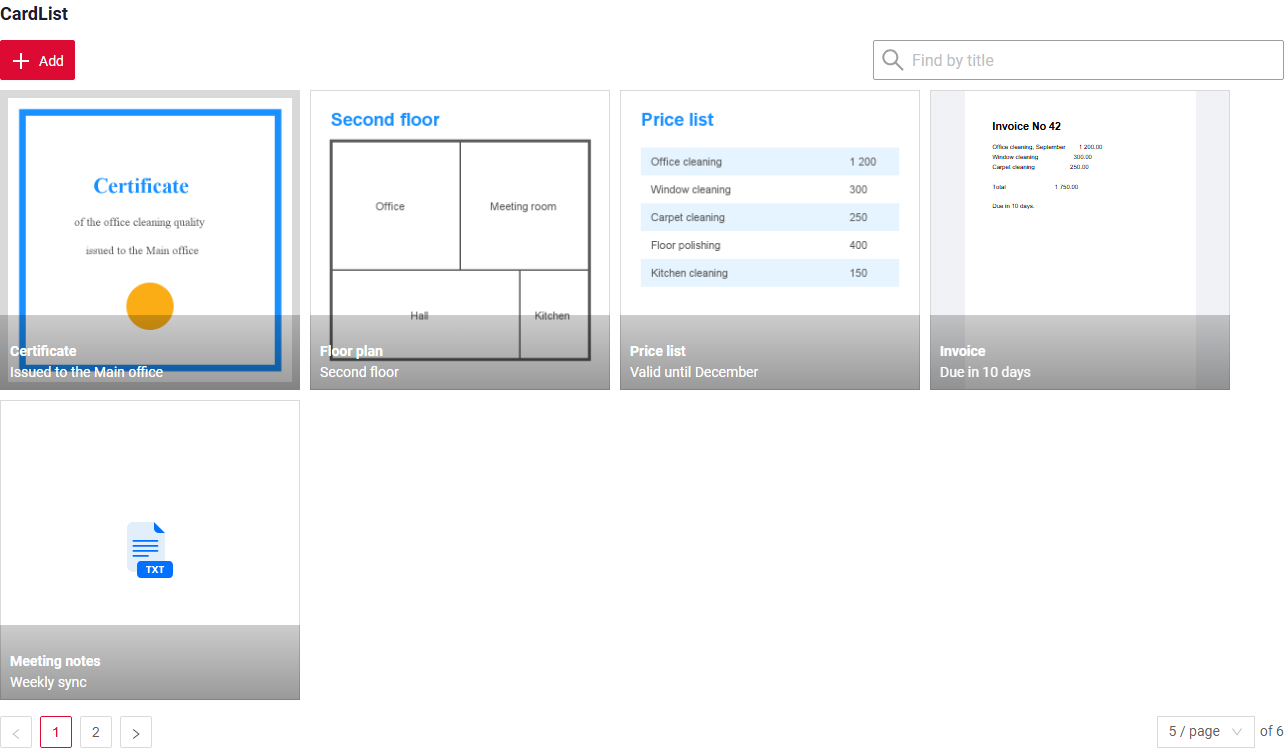
- CardList widget shows records as file cards in rows with pages, with a preview, a title and a description.
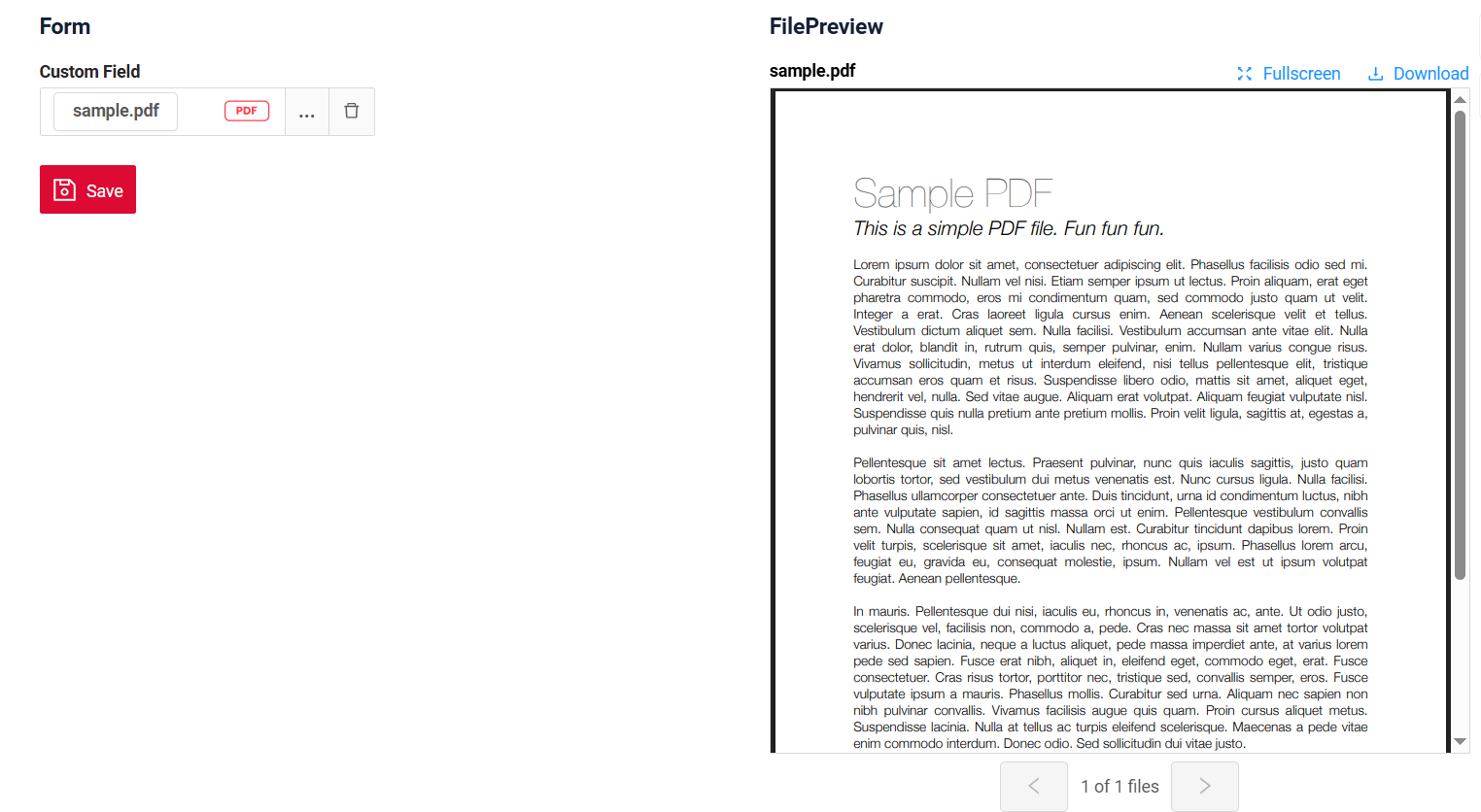
- FilePreview widget is a component for file viewing. It always occupies 50% of the main screen area and stays fixed at the top while scrolling.
Layout & UI Elements
Widgets that do not work with records of a business component, but structure the screen.


- EmptyWidget widget is a component for displaying text.
- HeaderWidget widget is a component for displaying a header.
Lists & Tables
Widgets that show many records of a business component: a table, a tree, a grouped table or a calendar.
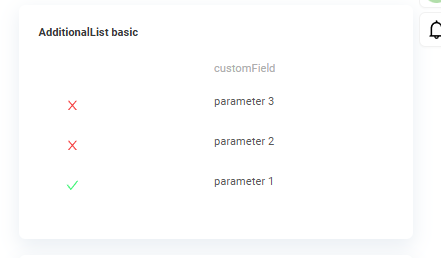


- AdditionalList widget is list the general information for many records. Widget is always located on the right.
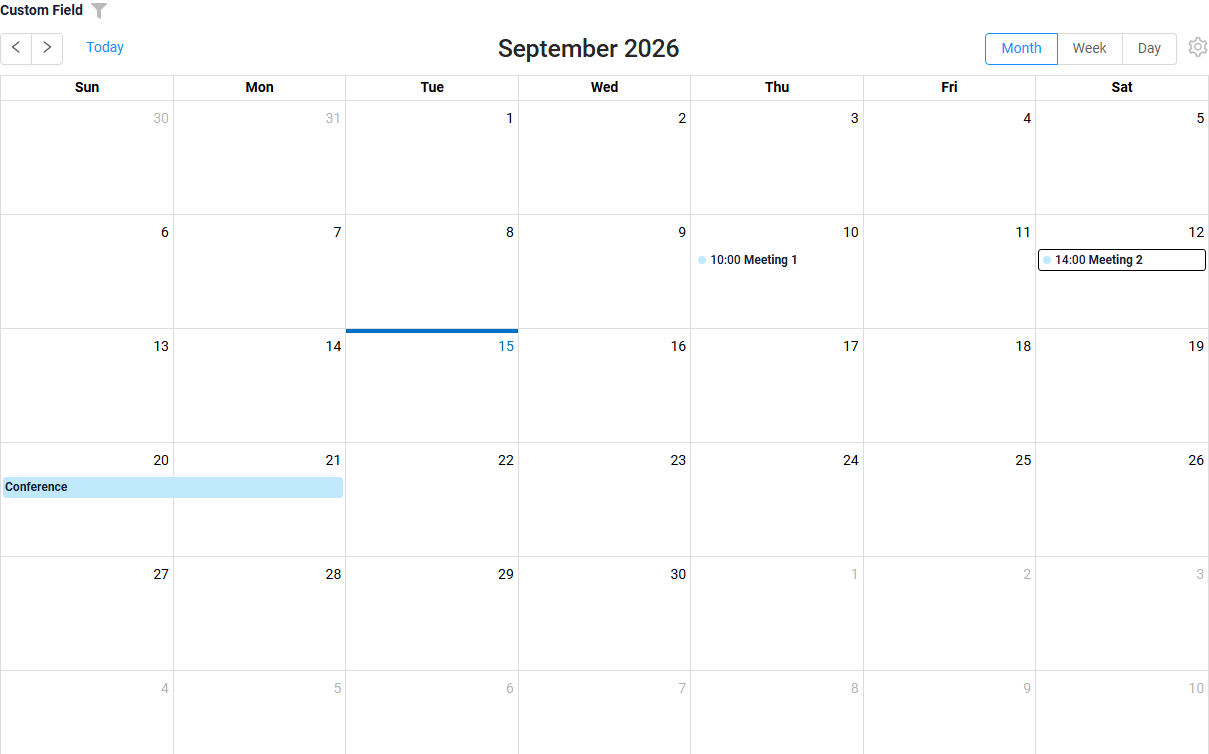
- CalendarList widget shows the records as events of a calendar: a month, a week or a day.
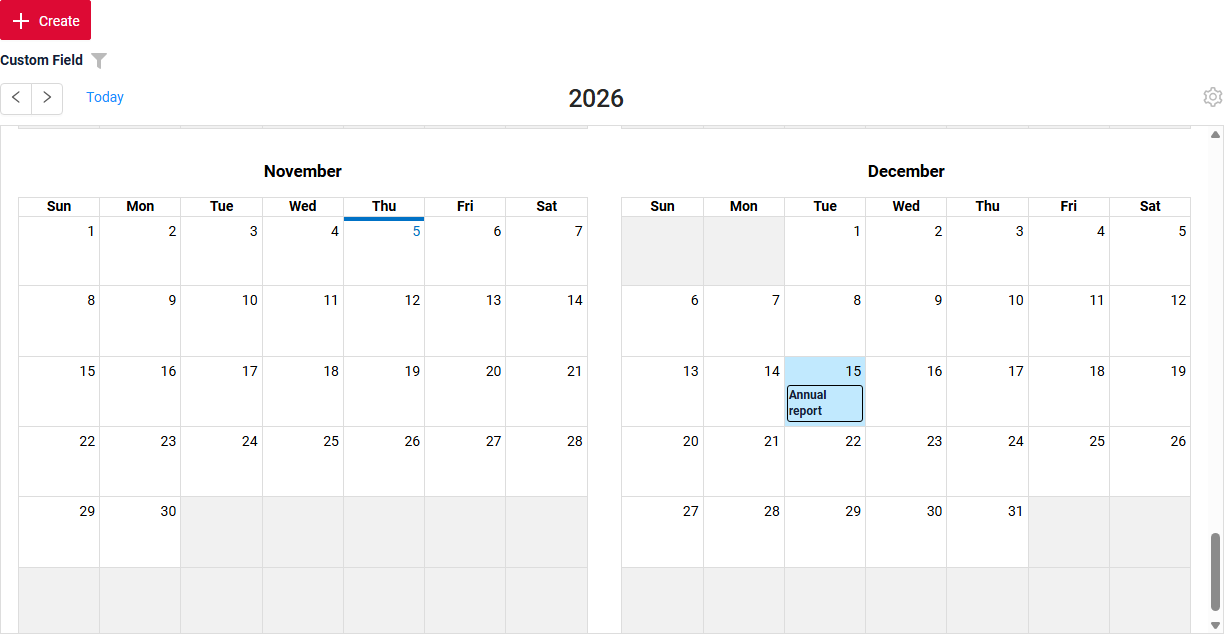
- CalendarYearList widget shows records as one-day events of a year calendar: twelve months, one event per day.
- GroupingHierarchy widget presents shared information across multiple records, enabling rows to be grouped by one or more specified fields.
- List widget is list the general information for many records and present it in a way that is easily interpretable for users.
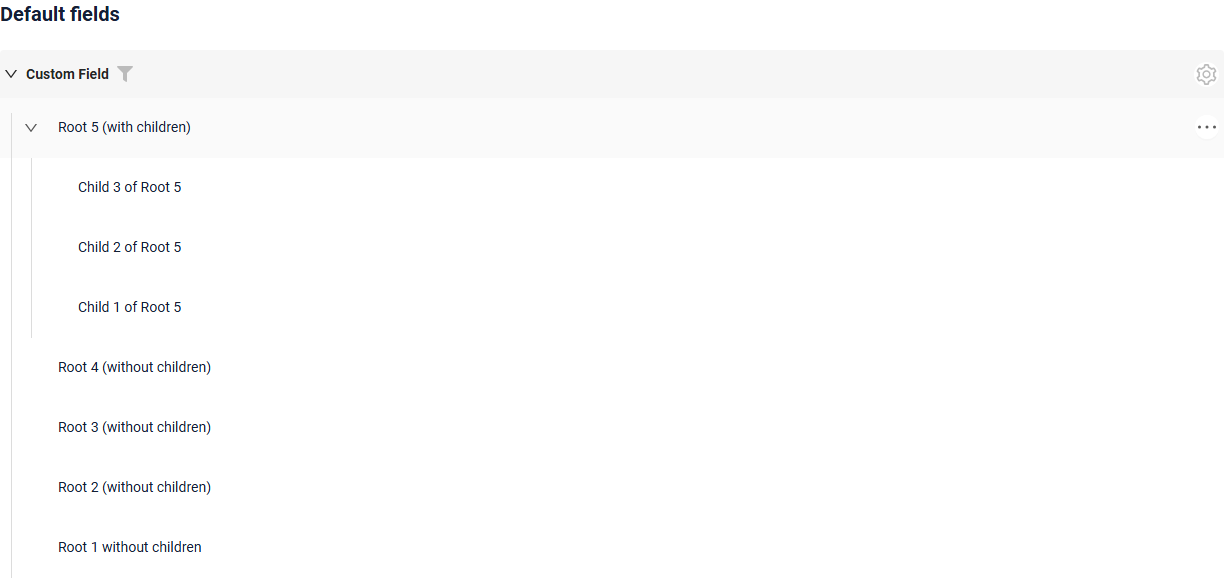
- Tree widget presents hierarchical records as an expandable tree, so users can browse parent and child rows in one table.
Process & Workflow
Widgets that show the stages of a business process and the current stage of a record.

- Steps is used to define and manage sequential actions or stages within a business process in the application. They allow developers and users to structure complex behavior into smaller, manageable steps, improving readability, maintainability.
Selection Popups
Popups for choosing one or several records of other entities from a list or a tree.


- AssocListPopup widget is a popup component designed to the selection of multiple values.
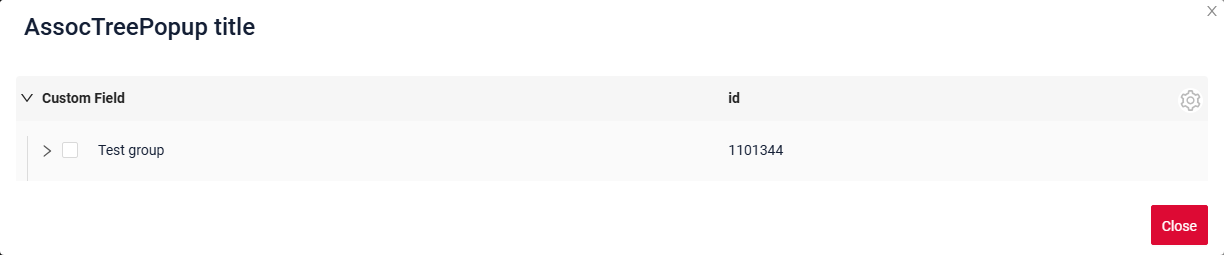
- AssocTreePopup widget is a popup component designed to the selection of multiple values from a hierarchical, lazily loaded tree.
- PickListPopup widget is a component that allows the user to select a value from a Popup list of entities.
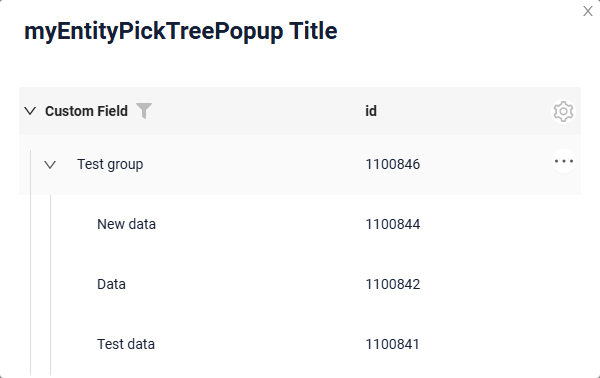
- PickTreePopup widget is a component that allows the user to select a value from a Popup tree of entities.
Single Record
Widgets for one record of a business component: viewing its fields, creating and editing it.
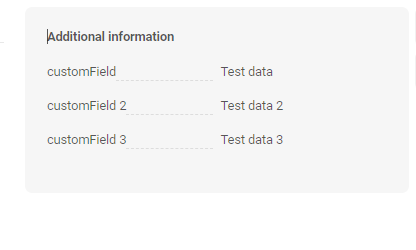
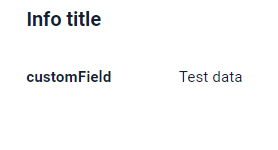
- AdditionalInfo widget is a component only for data viewing. Widget is always located on the right.
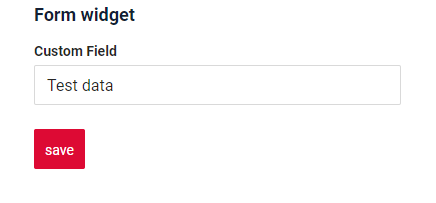
- Form widget is a component for data viewing and editing.
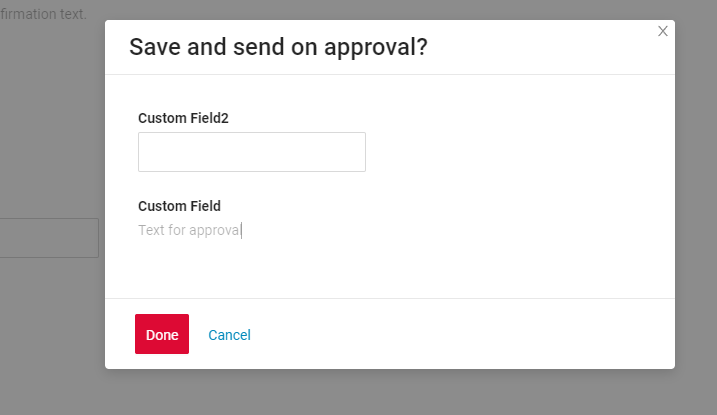
- FormPopup widget is a component for additional field checks in popup and the ability to add information inside the popup.
- Info widget is a component only for data viewing.